Calculators are math tools with a grouping of pre-programmed equations and constants. 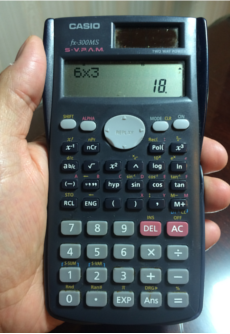 This is true for a hand-held calculator (pictured) and a vCalc calculator. However, there is a big difference. vCalc lets you create your own calculators with just the equations and data that you want. In the process, vCalc automatically creates a wiki page for your calculator and gives you access to your calculator on your mobile device through a special mobile user interface. vCalc also lets you create as many custom calculators as you wish. In this way, you can have your own custom calculators dedicated to the different activities in your life (work, school and play). Creating multiple calculators also makes sense when you consider that each is available to you on your mobile device where you may want to keep the number of functions to a minimum for usability on the small screen. In this way, you can make your calculators simple and easy to use for yourself and your friends and colleagues.
If you want help to create a single function calculator, vCalc calls that an Equation. CLICK HERE for help creating a single function calculator (vCalc Equation Help).
Creating a calculator in vCalc is easy and powerful. The calculators you create are private by default and only available to you. However they can also be available to your vCalc colleagues and the public if you so choose. Let’s get started.
But first, you need to know that vCalc is here to help! If you have questions or need assistance, click on “Contact Us” at the bottom of any page.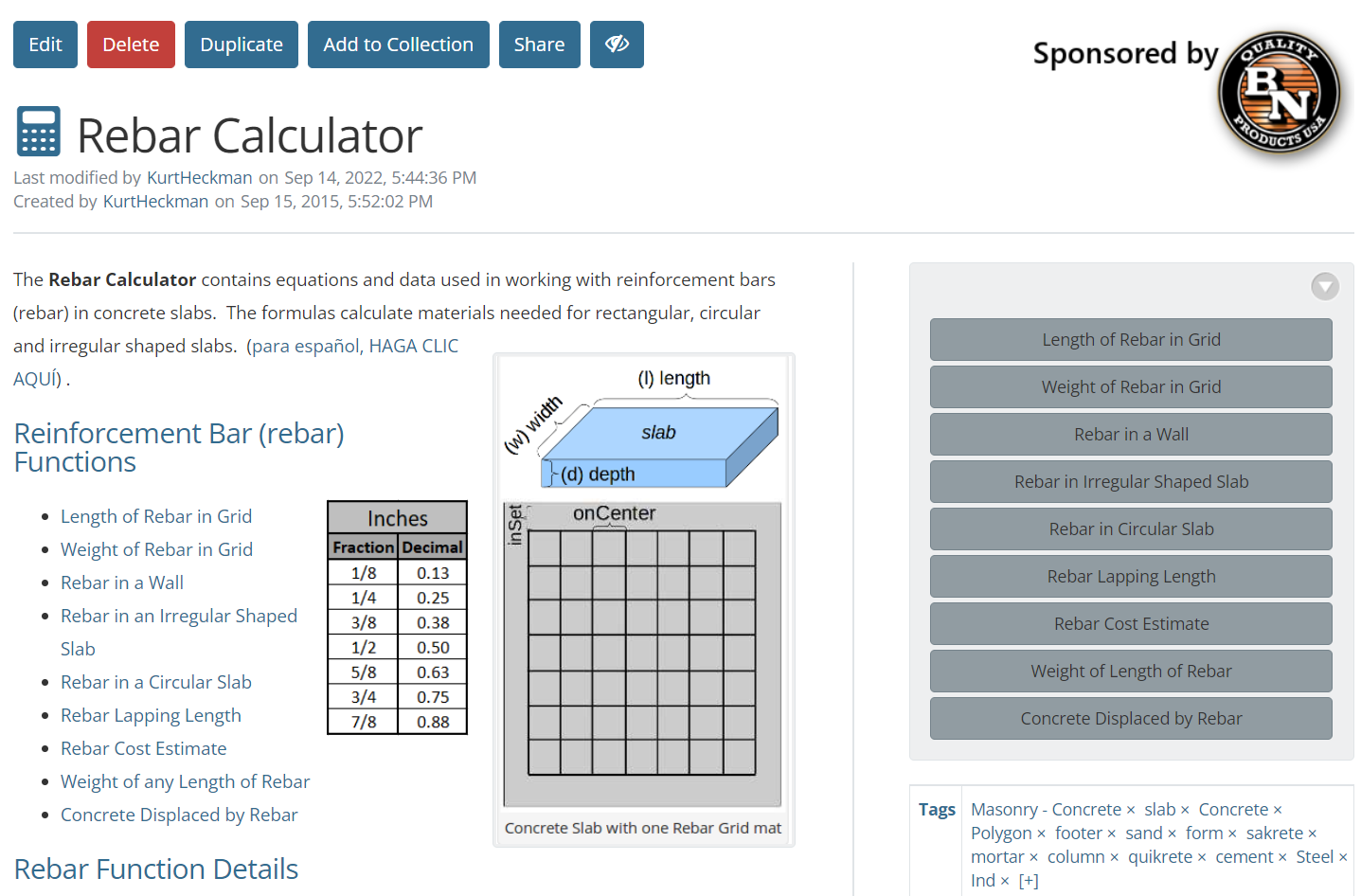
Calculator Help Topics
The Calculator Help Topics include the following:
- Duplicating an existing Calculator
- Creating a Calculator with the Calculator Editor
- Using the Calculator Editor Info Tab
- Using the Calculator Editor Design Tab
- Using the Calculator Editor Permissions Tab
- Using the Calculator Editor Content Tab