Processing...
If you want to create a new collection that is similar to or based on another collection that belongs to your or another user, you can duplicate it. This is a simple operation. You must be logged in, then when you are viewing the Collection that you want to duplicate you will see a blue duplicate button at the top of the page, above the collection title.

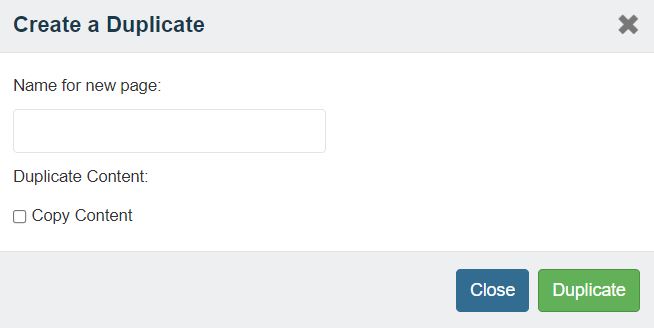 This will open the 'Duplicate Collection' box and you will be shown a textbox. Enter the name for your new collection here, check the "Copy Content" box, and click Duplicate. This operation will take a moment, wait for it to finish and you will be automatically redirected to your new collection.