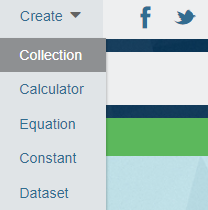
 There are two ways to create a new Collection. The first is to create it directly from the collections page. You must be logged in to your account. Drop down the user menu in the top right header and use the My Collections link to go to your collections page. At the top of the page enter the name for your new collection and click Create. Your new collection will be created and you will automatically be directed to it.
Now you have a new empty collection and you can begin adding calculators and equations.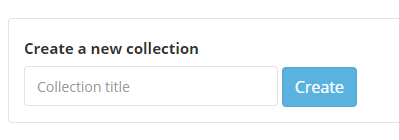
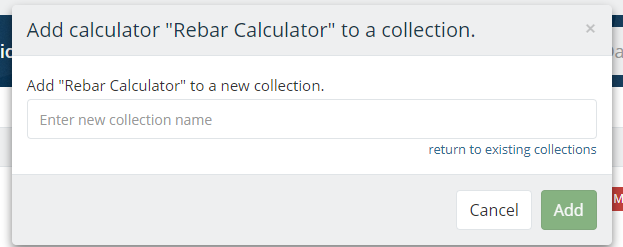
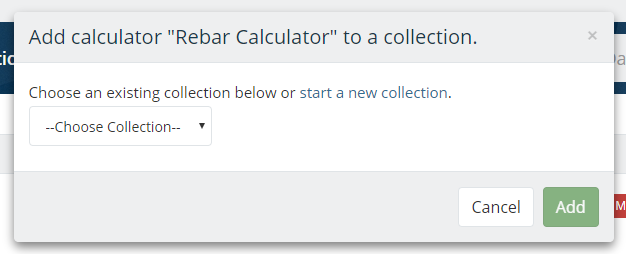
The second way to create a new collection is to create it directly from a calculator that you want to put inside the new collection. When you are on a page that you want to put in a new collection click on 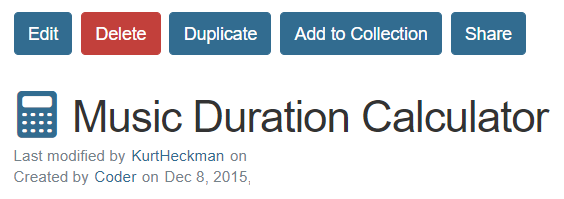 Add To Collection. This displays the menu for adding items to collections. There is a dropdown menu where you can choose one of your existing collections and add the calculator to that, or you can click on start a new collection and create a new collection from scratch and it will be created with this first calculator already in it.
-
Existing Collections
-
Create a New Collection