 Duplicate is an easy way to create a new equation. In this way, you can duplicate an existing equation and modify it to your liking, and vCalc makes it very easy to do. First find an equation that you wish to duplicate. When you are on that equation’s page, you will notice several options. One option is Duplicate (see image).
When you click the Duplicate button, a new window will pop up and you will be required to give your new equation a name that is unique to your space (your personal list of equations, calculators, data items and datasets). The duplicate function will copy the equation’s formula (algorithm) and wiki content by default. If you do not want the wiki content to be copied, just uncheck the check-box. After you have supplied a name and determined if you want to copy the wiki content, you can either go directly to the wiki by clicking "Copy & View" or edit the formula by clicking "Copy & Edit".
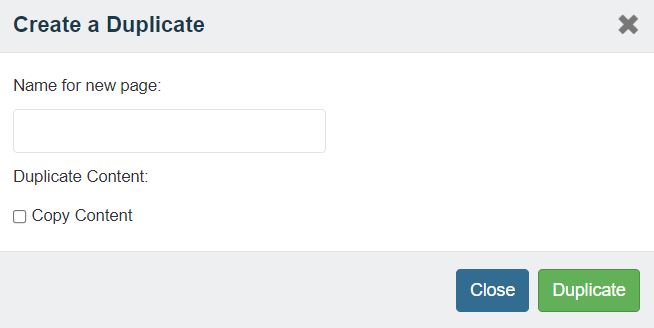 Duplicate Dialogue Box
Steps to Duplicate an Equation
- Find an equation you wish to duplicate
- Click on the "Duplicate" button at the top right of the wiki page.
- Type the new equation name in the pop up window that appears
- Click on "Copy & View" to go directly to the wiki or "Copy & Edit" to edit the content